YouTube CPM vs RPM: Why You Earn Less Than the CPM You See
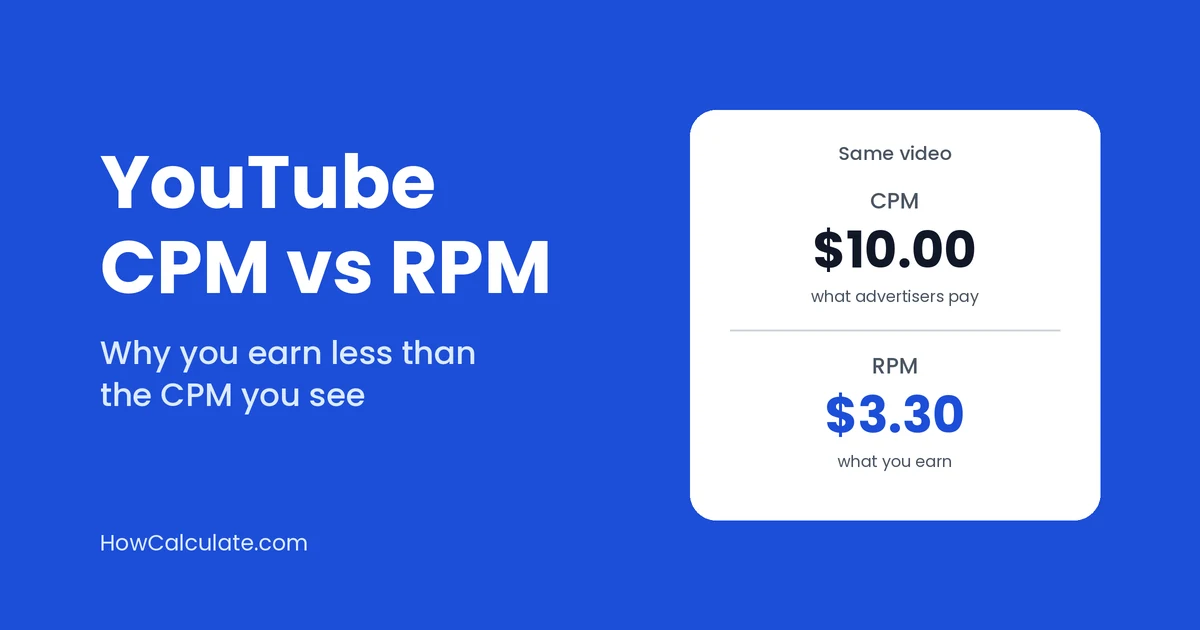
You open YouTube Analytics and see a CPM of $10. Nice. Then you look at what you earned per 1,000 views, and it’s closer to $3.
That gap can be completely normal. You’re just looking at two different numbers that sound alike.
The short answer: CPM is what advertisers pay for 1,000 ad impressions, before YouTube takes its share. RPM is what you earn per 1,000 views, after YouTube’s share. So the difference between CPM and RPM comes down to this: CPM is what advertisers pay, and RPM is what lands in your pocket.
What CPM means on YouTube
CPM stands for cost per mille, which just means cost per 1,000. On YouTube, CPM is the amount an advertiser pays for 1,000 ad impressions. An impression is counted each time an ad is shown.
Two things are worth remembering. First, it’s based on ad impressions, not on all video views. One playback can show more than one ad, and some views show none. Second, it’s measured before YouTube’s cut, so it isn’t your money.
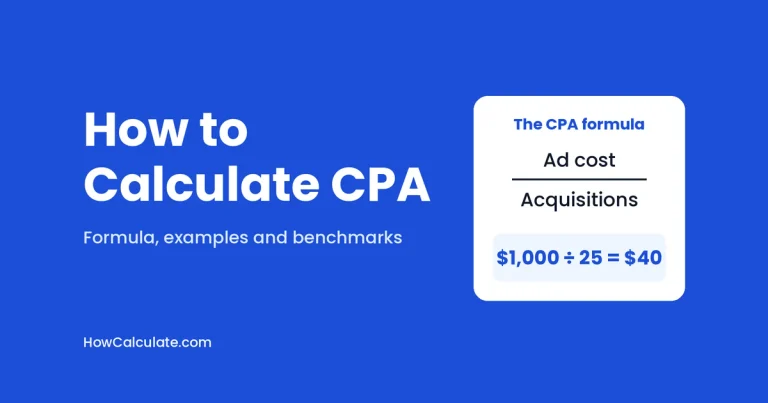
The formula is simple: CPM = ad cost ÷ ad impressions × 1,000. If you want to test it with your own numbers, our CPM calculator will do it in a few seconds.
What RPM means on YouTube
RPM stands for revenue per mille. YouTube describes it as how much you earned per 1,000 video views, after YouTube’s share has been taken out.
It’s wider than CPM in two ways. It counts all your views, including the ones where no ad was shown (for Shorts, it counts engaged views). And it includes more than ads: channel memberships, Super Chat, Super Stickers and YouTube Premium all count. Money made outside YouTube, like sponsorships, brand deals and merchandise, is left out.
For regular videos: RPM = your estimated revenue ÷ total views × 1,000.
For Shorts, RPM is calculated per 1,000 engaged views. YouTube uses a different revenue-sharing system for Shorts, so compare Shorts RPM separately from long-form RPM.
A simple example: why RPM comes out lower
Let’s say one video gets 10,000 views. These numbers are made up, just to show the maths.
Ads were shown 6,000 times, because not every viewer sees an ad. Advertisers paid a $10 CPM, so they paid 6,000 ÷ 1,000 × $10 = $60 in total.
On long videos, YouTube pays creators 55% of net ad revenue. To keep things simple, we’ll treat the full $60 as eligible, so your share is about $60 × 0.55 = $33. Real earnings can differ a little, because YouTube works from net revenue.
Your RPM is then $33 ÷ 10,000 × 1,000 = $3.30.
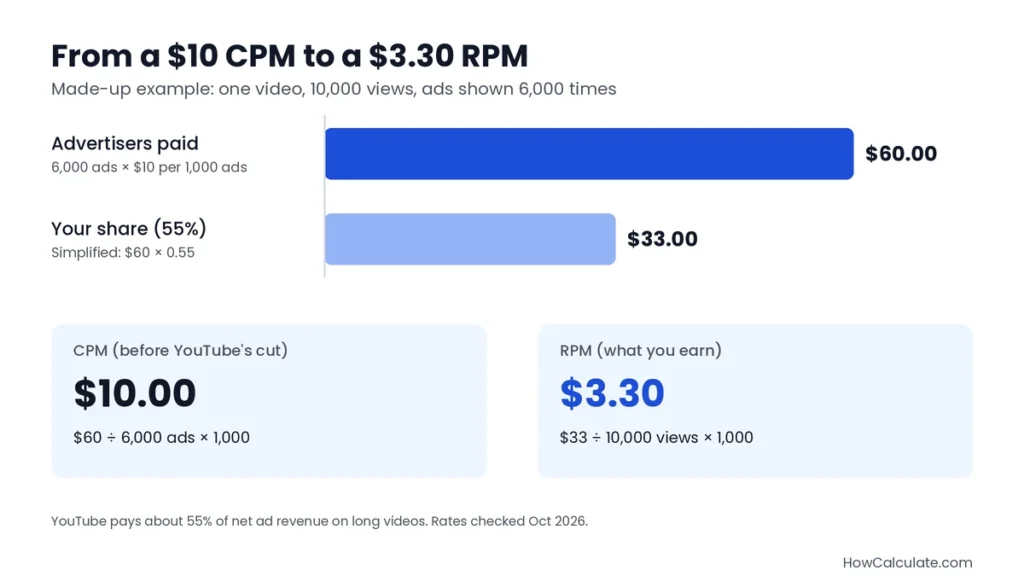
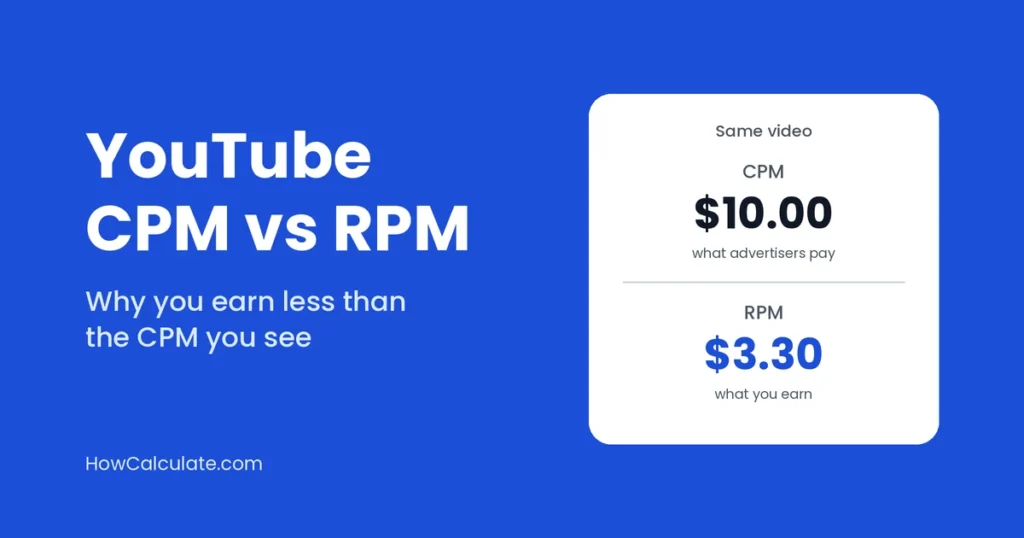
So the same video has a $10 CPM and a $3.30 RPM. Nobody made a mistake. Three things pulled the number down:
- YouTube’s cut. You only get about 55% of the ad money.
- Views with no ads. In this example, 4,000 of the 10,000 views earned nothing from ads.
- A different base. CPM divides by ad impressions. RPM divides by all views.
This is why a high CPM doesn’t always mean high earnings. A channel that gets lots of views but rarely shows ads can have a good CPM and a weak RPM.
Can RPM ever be higher than CPM?
Yes, and it surprises people when it happens.
Imagine a channel whose ads sell at a $4 CPM. Ads are shown 6,000 times on 10,000 views, so advertisers pay 6,000 ÷ 1,000 × $4 = $24. The creator’s 55% share is $13.20 (same simplified assumption as before).
Now add $30 from memberships and Super Chat on that video, after YouTube’s share. Total revenue is $43.20, so RPM is $43.20 ÷ 10,000 × 1,000 = $4.32.
RPM ($4.32) is now higher than CPM ($4.00). That happens because RPM counts memberships and Super Chat, while CPM only looks at ad money. Channels with paid memberships or busy live chats are the ones most likely to see it.
How to work out your own CPM and RPM
You can check this with one month of your own data. Here’s an example with made-up figures.
Your channel got 80,000 views in a month. Ads were shown 48,000 times, and advertisers paid $400 for them before YouTube’s cut. You also earned $20 from memberships, after YouTube’s share.
CPM: $400 ÷ 48,000 × 1,000 = $8.33
RPM: your share of the ads is about 55% of $400 (same simplified assumption), which is $220. Add the $20 from memberships and you earned $240 in total. So $240 ÷ 80,000 × 1,000 = $3.00
That’s an $8.33 CPM and a $3.00 RPM from the same month. If your own channel shows a similar gap, it’s normal.
Which one should you track?
Both, but for different jobs.
Use RPM to plan your income. It’s the closest number to what you’ll actually be paid per 1,000 views.
Use CPM to understand your audience. If it rises, advertisers usually value your viewers more. If it falls, something has changed, such as the season, your topic, or where your viewers live.
One more thing: YouTube also shows a playback-based CPM. It divides by playbacks that showed at least one ad, not by every ad impression. Because it divides by fewer units, it’s often higher than the regular CPM. Don’t compare it with a regular CPM quoted on another website.
Where to find these numbers
Open YouTube Studio, go to Analytics, then the Revenue tab. You’ll see your RPM there, along with a playback-based CPM that shows how much advertisers pay. That’s a little different from the regular CPM, so don’t expect it to match the examples in this post exactly.
Revenue figures in Analytics are estimates. YouTube adjusts them later, and finalized earnings appear in AdSense for YouTube. Look at a few months, not just one week, because both numbers jump around.
What moves your RPM up or down
You can’t control all of it, but these are the things that usually matter most:
- Where your viewers live. Advertisers pay more to reach viewers in some countries than in others.
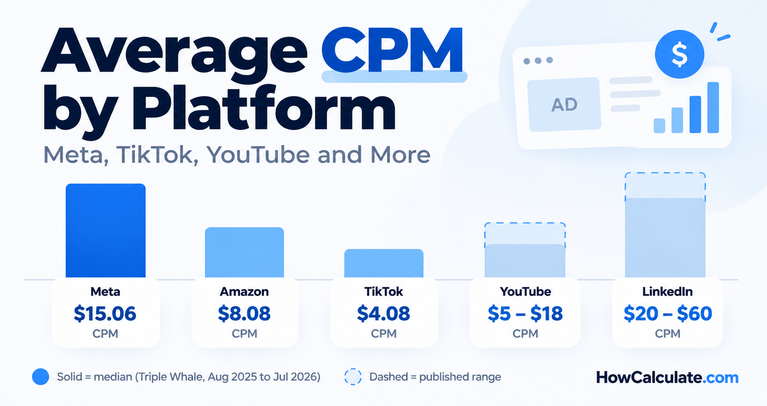
- Your topic. Advertiser demand differs from topic to topic. Our guide to average CPM by platform shows how much prices can vary.
- The time of year. Ad prices tend to rise towards the end of the year and dip in January.
- How many views show ads. Videos that are 8 minutes or longer can run mid-roll ads, and a video that isn’t monetized earns nothing from ads.
- Viewers using ad blockers. Views where ads are blocked generally don’t earn ad revenue from those ads, although other eligible YouTube revenue can still add to your RPM.
What about Shorts?
Shorts work differently. Their ad money goes into a pool, and creators keep 45% of what is allocated to them, based on their share of engaged views. Because of that, Shorts RPM is usually quite different from long-video RPM. Don’t mix the two when you plan your income.
Common mistakes to avoid
- Treating CPM as your pay. CPM is what advertisers spend. You get a share of it.
- Comparing numbers from different places. A CPM quoted on another website isn’t your RPM. Compare like with like.
- Judging from one video or one week. Both numbers move a lot, so give it a month or more.
- Mixing Shorts and long videos. They’re paid differently, so look at them separately.
- Forgetting the numbers are estimates. The final figure can change slightly.
Quick answers
Is CPM or RPM more important for creators?
RPM, if you want to know your income. CPM helps you understand how advertisers value your audience.
Why is my RPM lower than my CPM?
Because RPM is measured after YouTube’s share and across all your views, not only the ones with ads.
Is a higher CPM always better?
No. A high CPM can still give a low RPM if few of your views show ads, or if your total revenue is small compared with your total views.
Does RPM account for YouTube’s revenue share?
Yes, RPM is your estimated revenue after YouTube’s share, divided by your total views and multiplied by 1,000.
Want to try your own numbers? Use the CPM calculator, or browse all our marketing calculators.
Rates checked on YouTube Help, October 2026. YouTube can change its revenue share, so check your own agreement in YouTube Studio.